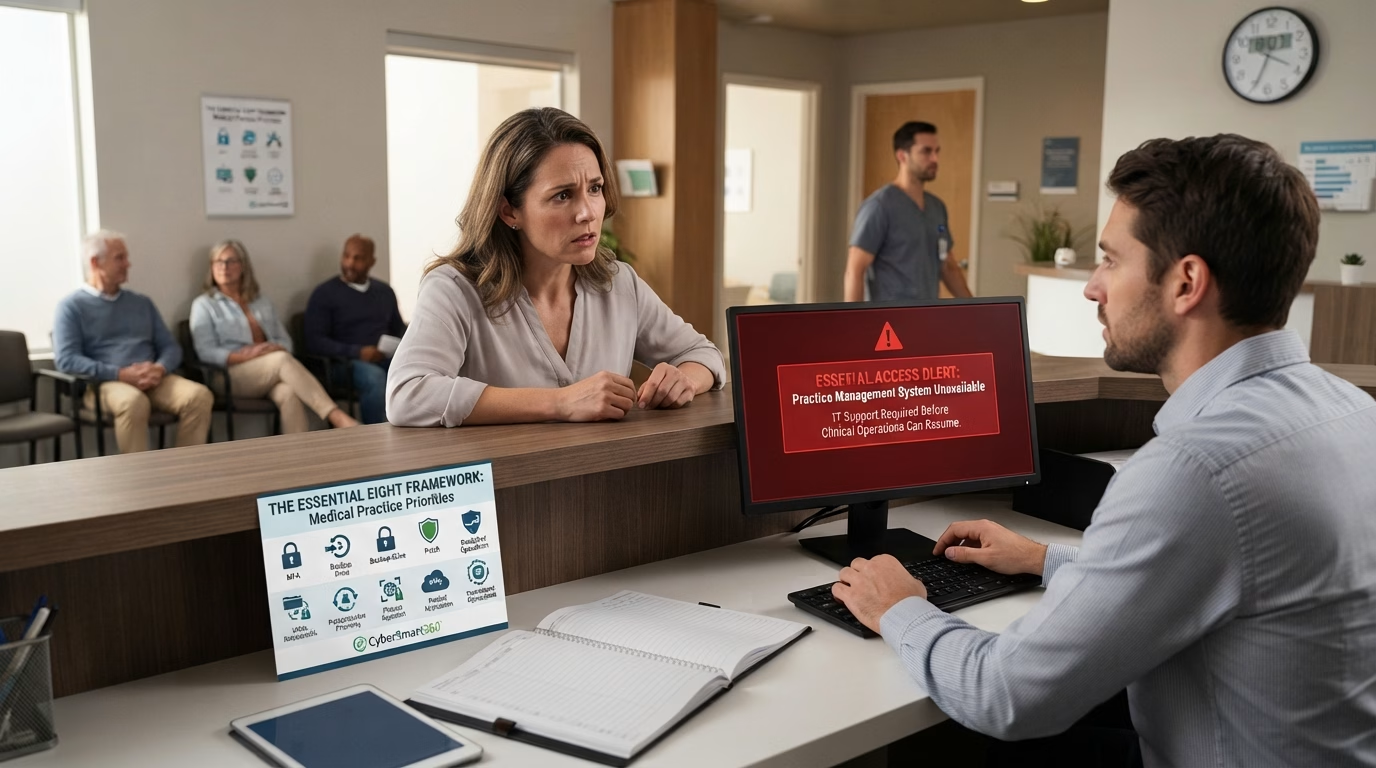
It is 8:05 on a Monday and the appointment book will not open. Reception has a waiting room and no idea who is in it. The clinicians have no allergies, no medication lists, no results, no referral letters. Whatever the cause turns out to be, the practice cannot see patients safely, and every hour of that is a clinical problem before it is an IT one.
That is the reason cyber security matters differently in a clinic. Everywhere else it is mostly about keeping information in; in a practice it is equally about keeping information reachable. The Essential Eight — eight mitigation strategies published by the Australian Signals Directorate — addresses both, though it is written in language built for corporate IT rather than for a practice. This article translates it. If the framework itself is new to you, start with our guide to what the Essential Eight is.
This is general information, not legal advice. Health privacy obligations are more involved than in most industries and they vary by jurisdiction and by the kind of service you provide. Confirm your specific position with your professional body, your medical defence organisation or a qualified adviser.
Why a practice is not like other small businesses
Most small businesses in Australia are outside the Privacy Act because their turnover is under the threshold. Health practices are not, and this is the single most important thing for a practice manager to understand.
The OAIC states that, regardless of turnover, the Privacy Act covers any business that is a health service provider. There is no small-practice exemption. A two-chair dental clinic, a solo physiotherapist and a twelve-doctor general practice are all covered on the same basis. The OAIC’s own description of who counts is broad: traditional health service providers such as private hospitals, day surgeries, medical practitioners, pharmacists and allied health professionals, and complementary therapists such as naturopaths and chiropractors.
The OAIC also describes health information as one of the most sensitive types of personal information. Sensitive information attracts higher protection under the Australian Privacy Principles than ordinary personal information does. A practice holds it about every patient, alongside Medicare numbers, dates of birth, addresses and often identity documents.
| Obligation | What it means for a practice |
|---|---|
| Privacy Act 1988 and the Australian Privacy Principles | Applies regardless of turnover because you are a health service provider. APP 11 requires reasonable steps to protect personal information from misuse, interference, loss, and unauthorised access, modification or disclosure. The Essential Eight is one credible, documented answer to what “reasonable steps” looks like — it is not the only one, and it is not named in the legislation. |
| Notifiable Data Breaches scheme | An eligible data breach — one likely to result in serious harm — must be notified to the OAIC and to affected individuals. The practical requirement is that you can detect a breach, assess it and notify, which means deciding how in advance rather than during the incident. The OAIC publishes a four-step data breach action plan specifically for health service providers, developed with the Australian Digital Health Agency, the ACSC and Services Australia. |
| My Health Records Act 2012 | Separate and, in one respect, stricter. A registered healthcare provider organisation that becomes aware a My Health Record data breach has occurred, or may have occurred, must notify the System Operator (the Australian Digital Health Agency) and the OAIC. Note the trigger includes “may have” — it is broader than the NDB test, and it applies to circumstances that may have compromised the security or integrity of the system, not only to confirmed disclosure. |
| State and territory health records law | Some states and territories have their own health records legislation that applies to private providers in addition to the Commonwealth Privacy Act. Which obligations attach depends on where you practise. |
| Professional and accreditation requirements | Your college, association or accreditation standard may set information security expectations of its own. These sit alongside the legal obligations rather than replacing them, and they are frequently the thing that actually gets a practice to act. |
| ACSC Essential Eight | Not legally required of a private practice. It is mandatory for Australian non-corporate Commonwealth entities under the Protective Security Policy Framework. For a practice it is a structured way to demonstrate that the “reasonable steps” above have been thought about and documented. |
Which of these apply to your practice depends on where you practise, and the answer is not the same in every state and territory. Confirm your own position with your professional body, your medical defence organisation, or an adviser with health privacy expertise, rather than assuming the Commonwealth position is the whole picture.
Availability is a clinical issue, not just an IT issue
Confidentiality gets the attention because breaches make headlines. In a clinical setting, availability does more damage more often.
A practice that cannot reach its records cannot safely prescribe, cannot check allergies or interactions, cannot see yesterday’s results, cannot run recalls and reminders, and cannot tell who is booked. Reverting to paper works for an hour and becomes unsafe over a day, because the information you need most is the information you cannot remember. The realistic question is not whether you have a backup. It is how many hours it would take to be seeing patients again, and whether anyone has ever measured that.
This is where the Essential Eight backup requirements are worth reading closely. At Maturity Level 1, ASD requires backups of data, applications and settings — not just data — performed and retained in line with business criticality and business continuity requirements, synchronised so everything can be restored to a common point in time, retained securely and resiliently, with restoration tested as part of disaster recovery exercises, and with everyday user accounts unable to modify or delete them.
Read against a practice, each clause earns its place. “Applications and settings” matters because restoring a clinical database without the software configuration around it does not get you back to seeing patients. “A common point in time” matters because a clinical record restored to Tuesday and a results inbox restored to Thursday is a safety problem, not just an inconvenience. And “tested as part of disaster recovery exercises” is the clause almost every practice fails: the backup runs, nobody has ever restored from it, and the first attempt happens on the worst morning of the year.
Time a restore. Restore one patient record or one folder, note how long it took, write the date down. That single number tells you more about your clinical resilience than any policy document.
The eight strategies in a practice
| Strategy | What it means in a clinic |
|---|---|
| Multi-factor authentication | A second factor on practice email, on any cloud-hosted practice management or clinical software, on secure messaging, and on remote access used for after-hours or telehealth work. At Maturity Level 1 this covers your own online services and third-party services holding sensitive data — and patient-facing portals holding sensitive patient information are explicitly in scope, not just staff logins. |
| Restrict administrative privileges | Who can add or remove a user in the clinical system, change access levels, or export patient data. In most practices one or two people genuinely need that, and considerably more people currently have it. Anyone doing administrative work should have a separate account used only for that, kept off email and web browsing. |
| Regular backups | The clinical database, practice management, the document store of scanned correspondence and results, and the configuration around all of it. See the section above — this is the strategy that determines whether a bad morning is a bad morning or a closed practice. |
| Patch applications | Clinical and practice management software, browsers and their extensions, email clients, PDF software and security products, patched within two weeks of release and within 48 hours where the vendor rates the flaw critical or an exploit exists. Practices often defer clinical software updates for fear of breaking an integration — that is a real risk and it needs a managed process, not indefinite deferral. |
| Patch operating systems | Reception and consulting room workstations within one month; anything internet-facing on a much tighter clock, which includes a remote access gateway or an on-premises server reachable from outside. Operating systems the vendor no longer supports must be replaced. In practices this usually catches a machine kept alive because it runs one piece of imaging or diagnostic software. |
| Application control | Only approved software runs on practice computers, including in the folders where downloads and email attachments land. A practice receives a constant flow of attachments from labs, specialists, insurers and patients, which is exactly the delivery route this control closes. |
| Restrict Microsoft Office macros | Macros disabled for anyone without a demonstrated business requirement, blocked in files that arrived from the internet, macro antivirus scanning on, and settings staff cannot change. Most practices have no genuine macro requirement, which makes this quick. |
| User application hardening | Internet Explorer 11 removed or disabled, browsers not processing Java or web advertisements from the internet, and browser security settings locked against user change. Straightforward technically; the locking part needs a device management capability across the practice’s machines. |
The two hardest realities in a clinic
Two things make practices harder to secure than an equivalent office, and both are usually understated in self-assessments.
Shared reception workstations. A single login that the whole front desk uses defeats administrative privilege separation, destroys the audit trail in the clinical system, and means access cannot be removed when someone leaves. It also tends to mean the screen stays unlocked between patients, in a room where the public sits. Individual logins with fast switching and a short automatic lock are the answer, and the objection is always speed at the counter, which is a real objection worth designing around rather than dismissing.
Clinicians and personal devices. Clinical staff read results on personal phones, take clinical photographs on them, access the system from home after hours and run telehealth from a laptop nobody has ever seen. Every one of those devices is in scope: it needs operating system updates within the required timeframe and the second factor. A practice that assesses itself as compliant while half its clinicians use unmanaged personal devices has assessed the practice it wishes it had. The workable position is usually not prohibition. It is deciding which devices are permitted, requiring the controls on them, and providing a sanctioned way to do the thing clinicians need to do.
My Health Record, secure messaging and third parties
If your practice is a registered healthcare provider organisation in the My Health Record system, the obligations described above apply and the notification trigger is broad: circumstances that may have compromised the security or integrity of the system are reportable, not only confirmed unauthorised access. Practically, that raises the value of two things the Essential Eight already asks for: knowing who holds access, and being able to tell what happened. Access logs and administrative privilege control stop being paperwork and start being the thing that lets you answer a question you are required to answer.
Provider-to-provider secure messaging is a positive from a security point of view — it exists precisely so that clinical correspondence does not travel by ordinary email — but it is not a substitute for the controls around it. The account still needs a second factor, the workstation still needs to be patched, and the person who left in March still needs their access removed.
Third-party access deserves its own review. Practices accumulate it: the software vendor with remote support access, the IT provider, the billing service, a locum who worked two shifts in 2024. Set a review point — quarterly, or at each accreditation cycle — where you list who holds access to the clinical system and remove anyone who should not. It is the closest thing to a free control after multi-factor authentication.
Demonstrating a documented position
The obligations above share a characteristic worth noticing: they require reasonable steps and a considered response, not a specific product. That means what you need to be able to show is a documented position — what you assessed, what you found, what you decided, when, and what you did about it.
CyberSmart360 is built to produce exactly that. The platform holds 186 controls across the Essential Eight and the ACSC Security Principles, translated for 44 industries. Working through the health set, you answer questions about your practice management and clinical software, your reception workstations and your secure messaging, rather than about executables and control panel applets. It produces a compliance score, a gap report ranked by priority, and a costed 12-month remediation plan. The feature that matters most for a practice is evidence tracking: a record against each individual control of what you have in place and where the proof sits, so the documented position exists before somebody asks for it, whether that is an accreditation surveyor, an insurer, a medical defence organisation or the OAIC. Our Maturity Level 1 guide sets out what the assessment measures against.
Frequently asked questions
Does the Privacy Act apply to a small practice?
Yes. The OAIC states that the Privacy Act covers any business that is a health service provider regardless of turnover. The small business turnover exemption that applies to most other Australian small businesses does not apply to you.
Is the Essential Eight mandatory for medical practices?
No. It is mandatory for non-corporate Commonwealth entities under the Protective Security Policy Framework. For a private practice it is not legally required. It is, though, a structured, recognised way to show you have taken reasonable steps to protect the information you hold, which is an obligation that does apply.
Does our cloud-hosted clinical software make us compliant?
No. The vendor patches their platform and typically offers multi-factor authentication, access controls and audit logs. Turning those on, deciding who holds administrative access, patching your own workstations and devices, controlling what software runs on them, and backing up anything the vendor does not hold all remain the practice’s responsibility.
What maturity level should a practice aim for?
Maturity Level 1 across all eight strategies is the realistic first target unless something specific requires more. ASD advises achieving the same level across all eight before moving up, because the eight are designed to complement each other.
What is the single most valuable thing to do first?
Two things, in this order. Enforce multi-factor authentication on practice email and on the clinical system. Then restore something from backup and time it. The first prevents the most common way in; the second tells you whether you could reopen.
Start with an assessment, then work the list
Practices rarely stall on this because they disagree with it. They stall because the framework arrives as unfamiliar language with no indication of what applies to a clinic, and there is never a quiet week. A structured assessment turns it into a short, ordered list. The free 7-day trial at cybersmart360.com needs no credit card and covers one user and one assessment. Detail is on the plans and pricing page.
This article is general information about a cyber security framework and the obligations commonly surrounding it in Australian healthcare. It is not legal or professional advice and does not replace advice specific to your practice.